
10 Best Application Integration Tools for SaaS in 2026
Summarise the blog with AI
If you have been evaluating an application integration tool, you have likely discovered that coverage alone is not the same as capability.
Horizontal platforms promise fast access across many SaaS categories, but once integrations move into operational systems, gaps surface quickly. HRIS, payroll, ATS, and benefits data introduce edge cases that generic models struggle to support. Multi-EIN employers, payroll corrections, retroactive changes, benefit deductions, and job-level updates expose the limits of broad normalization layers.
This is usually the point where teams begin reassessing their application integration tool options.
Some need deeper domain coverage. Others need predictable performance at scale. Many realize their product architecture requires tighter data models and clearer ownership of integration behavior over time.
This guide examines leading application integration tools, outlines where each platform performs well, and explains how to choose the one that aligns with your product’s technical and operational roadmap.
At a Glance
- Horizontal application integration tools scale quickly across categories, but HRIS, payroll, and ATS edge cases, such as multi-EIN setups and retro pay, expose limits in generic data models.
- Bindbee, Finch, and Kombo handle write-heavy workflows and employment lifecycle data that many unified APIs cannot model cleanly.
- Unified and Merge.dev speed up customer-facing integrations, but long-term stability depends on how much they absorb API changes and schema drift.
- Merge.dev, StackOne, and Knit reflect a shift toward application integration tools that support AI agents taking actions, not only syncing data.
- Truto removes integration ownership through a service-led model, while Nango favors engineering control with higher internal responsibility.
What Application Integration Tools Do and Why Teams Use Them
An application integration tool connects multiple software systems through standardized interfaces, event handling, and data transformation layers. It removes the need for point-to-point builds by acting as a control plane for data flow, authentication, and reliability across applications.
Key Functions and Drivers
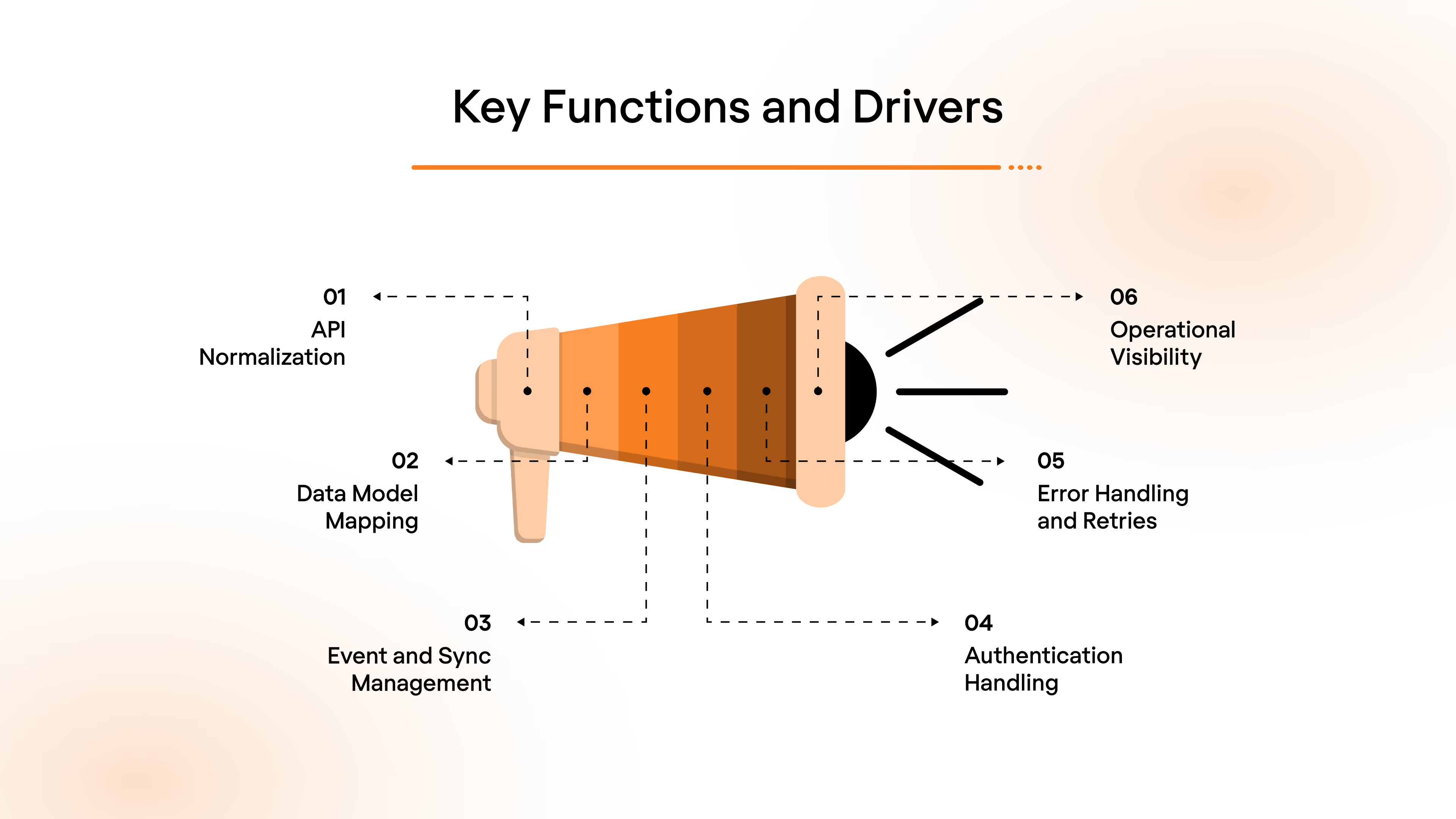
- API Normalization: Abstracts vendor-specific APIs into consistent endpoints, reducing conditional logic and custom parsing in application code.
- Data Model Mapping: Translates source schemas into canonical models to support downstream workflows without rewriting business logic.
- Event and Sync Management: Handles real-time webhooks, scheduled polling, and change detection to keep systems in sync.
- Authentication Handling: Manages OAuth, token refresh, scoped permissions, and credential rotation securely.
- Error Handling and Retries: Provides queueing, retry policies, and idempotency controls to prevent data loss during failures.
- Operational Visibility: Exposes logs, sync status, and failure points so non-core teams can troubleshoot without engineering intervention.
Teams use an application integration tool to reduce engineering overhead, control integration reliability at scale, and keep product roadmaps focused on core platform differentiation rather than maintenance work.
Top Application Integration Tools to Evaluate in 2026
Application integration tools vary widely in depth, ownership model, and operational fit. The options below reflect different approaches to handling customer-facing integrations, from domain-specific data to broad multi-category coverage.
1. Bindbee
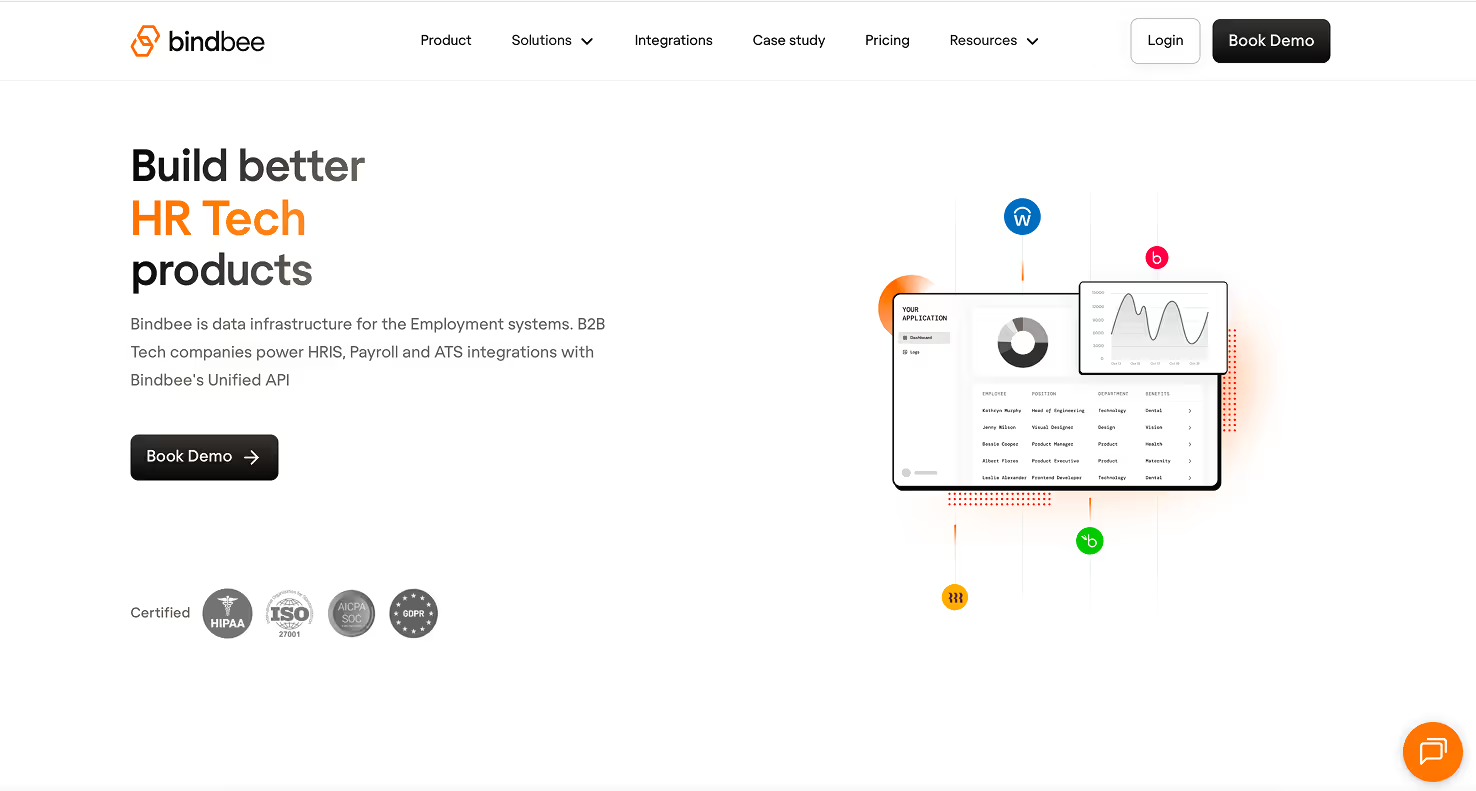
Bindbee is an application integration tool built specifically for HRIS, ATS, and payroll systems. It provides a single, unified API layer that allows B2B HR Tech and employee benefits platforms to connect with employer systems in minutes while Bindbee handles ongoing maintenance, reliability, and compliance.
Key Features
- Unified HR, ATS, and Payroll API: Connect to 50+ employment systems through one normalized API instead of building and maintaining point integrations.
- Deep Canonical Data Models: Supports employee, employment, compensation, payroll runs, time off, dependents, groups, and related entities to power real operational use cases.
- Prebuilt and Certified Integrations: Includes major platforms such as Workday, ADP Workforce Now, Rippling, BambooHR, UKG, SAP SuccessFactors, Gusto, Paylocity, Oracle HCM, and SFTP-based legacy systems.
- Real-Time Sync and Webhooks: Keeps employee lifecycle, payroll, and benefits data updated using event-driven syncs and fallback polling where required.
- Operational Reliability Tooling: Automated retries, self-healing workflows, logs, and dashboards to detect and resolve integration failures before customers notice.
- Embedded Connection Flows: White-label SDK and magic-link authentication allow customers to connect their HR or payroll system directly from your product UI.
- Security and Compliance Coverage: SOC, ISO 27001, GDPR readiness, and HIPAA support with standard contractual artifacts such as DPA, BAA, and MSA.
- Integration Maintenance Ownership: Bindbee absorbs API changes and vendor quirks so product and engineering teams stay focused on core platform features.
Best For
B2B HR Tech platforms, employee benefits providers, and payroll-adjacent SaaS companies that need deep, production-grade HRIS, ATS, and payroll integrations without allocating engineering bandwidth to long-term connector build and maintenance, especially teams operating in regulated environments with U.S.-centric compliance requirements.
Connect to HRIS, ATS, and payroll systems without building or maintaining integrations. Book a Bindbee demo to see integrations go live in minutes.
2. Finch
Finch is an application integration tool focused on HR and payroll connectivity. It provides a unified data layer that abstracts hundreds of HRIS and payroll providers into a single standardized format, allowing platforms to read and write employment data without building or maintaining individual integrations.
Key Features
- Unified Employment Data Model: Converts provider-specific HR and payroll data into one consistent schema covering organization, employee directory, payroll, deductions, and documents.
- Broad Provider Coverage: Supports 250+ HRIS and payroll systems, including Workday, ADP, Gusto, Paychex, Rippling, BambooHR, UKG, and QuickBooks.
- Employer Onboarding Flow: Replaces CSV uploads and SFTP setup with a secure authentication flow that allows employers to connect systems in minutes.
Best For
B2B platforms that require standardized access to HR and payroll data at scale, including 401(k) and retirement platforms, fintech products, insurance platforms, and HR software vendors that need fast employer onboarding and reliable payroll data access.
3. Unified
Unified is an application integration tool that provides a single API layer across hundreds of third-party systems spanning HR, ATS, CRM, accounting, authentication, and collaboration software. It allows SaaS teams to launch customer-facing integrations quickly without building or maintaining individual connectors.
Key Features
- Single Unified API: Exposes one consistent interface across multiple application categories, reducing custom integration logic per vendor.
- Broad Integration Coverage: Supports 360+ live integrations across HR and Directory, ATS, CRM, Accounting, Payments, Authentication, Ticketing, and more.
- Normalized Data Access: Converts provider-specific responses into standardized objects to simplify downstream processing.
- Live, Production-Ready Connectors: All listed integrations are active and maintained, avoiding beta or partial connector risks.
Best For
SaaS platforms that need to support a wide range of customer-requested integrations across multiple software categories, particularly HR tech, ATS platforms, CRM tools, and B2B products that require fast expansion of integration coverage without building connectors in-house.
4. Merge.dev
Merge.dev is an application integration tool that provides a unified API layer for customer-facing integrations and agent-driven workflows. It allows SaaS products and AI agents to securely connect with hundreds of third-party systems through a single integration surface while Merge handles connector maintenance, security, and observability.
Key Features
- Merge Unified API: One API that connects to hundreds of third-party platforms across HR, ATS, CRM, accounting, ticketing, and file storage categories.
- Agent Handler for AI Workflows: Allows AI agents to securely read from and take actions inside customer systems using prebuilt tools and scoped access.
- Prebuilt, Fully Maintained Connectors: Integrations stay current as vendors change APIs, schemas, or authentication methods.
- Common Data Models: Normalizes third-party data into standardized objects to reduce custom parsing and business logic.
- Real-Time Data Sync: Supports near real-time data access for use cases like provisioning, reconciliation, analytics, and agent actions.
Best For
B2B SaaS companies and AI-first products that need to ship and maintain a broad set of customer-facing integrations quickly, especially teams building AI agents, automation features, or data sync use cases across HR, finance, CRM, and operational systems.
5. StackOne
StackOne is an application integration tool designed to power SaaS products and AI agents with access to hundreds of enterprise systems through a single integration gateway. It provides unified connectivity across HRIS, ATS, CRM, IAM, learning, and collaboration tools while abstracting vendor-specific APIs and ongoing maintenance.
Key Features
- Unified Integration Gateway: One API surface to connect with hundreds of SaaS applications across HR Tech, recruiting, identity, collaboration, and revenue systems.
- AI Agent–Ready Tooling: Allows AI agents to securely interact with third-party tools for read and action-based workflows.
- Extensive HR and ATS Coverage: Supports major systems such as Workday, SAP SuccessFactors, UKG, BambooHR, Greenhouse, Lever, SmartRecruiters, and Workable.
- Cross-Category Integrations: Extends beyond HR into CRM, IAM, learning platforms, ticketing, messaging, and document management systems.
Best For
SaaS platforms and AI-driven products that need broad, cross-category integration coverage, especially teams building agent-based workflows or supporting enterprise customers with complex HR, identity, and collaboration system requirements.
6. Kombo
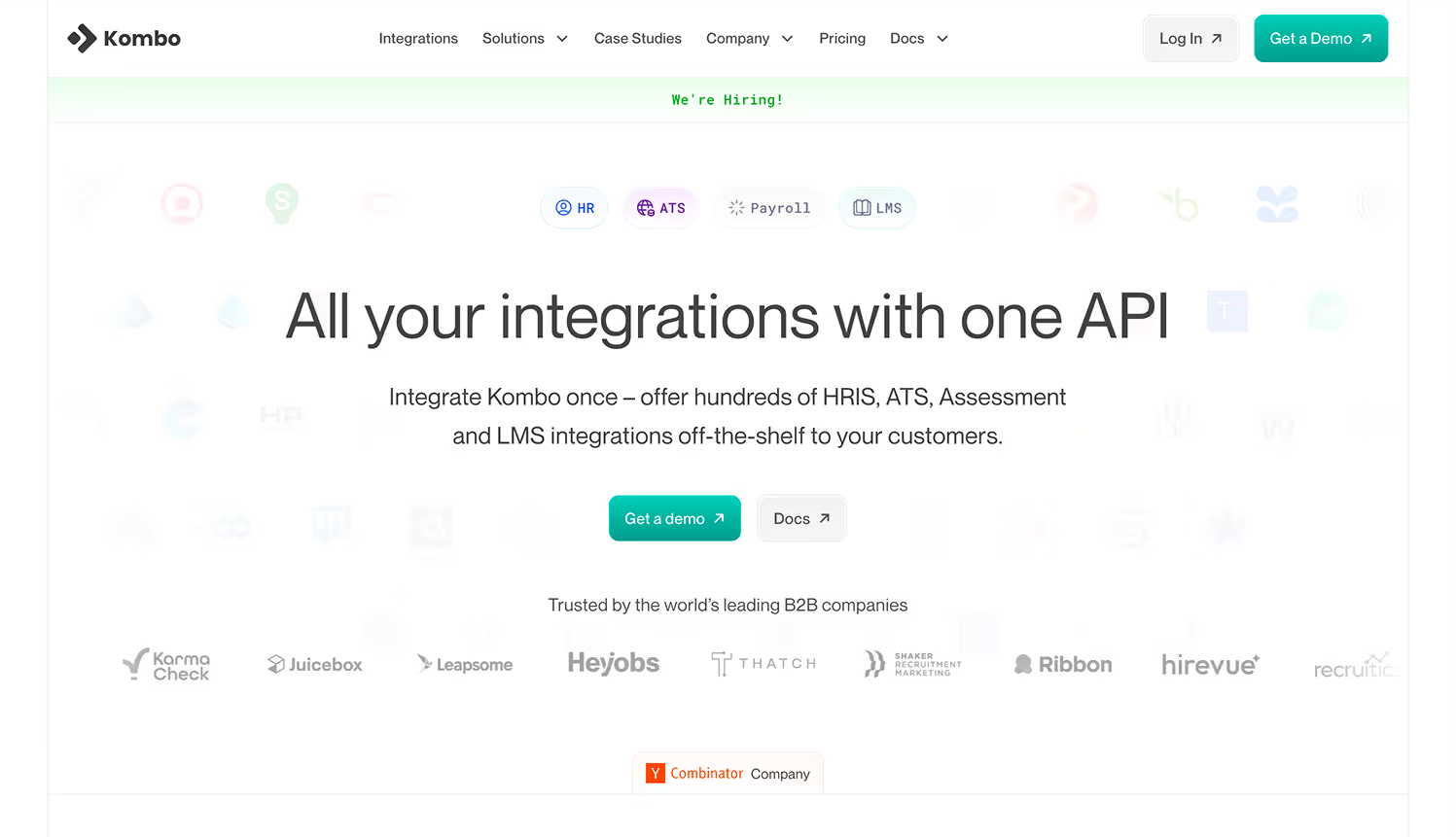
Kombo is an application integration tool purpose-built for HRIS, ATS, LMS, and payroll systems. It offers a single unified API that abstracts complex, vendor-specific employment system integrations into one standardized model, allowing B2B platforms to launch and scale integrations without maintaining them in-house.
Key Features
- Unified HR and Payroll API: Integrate once to support hundreds of HRIS, ATS, LMS, and payroll platforms through a consistent API surface.
- Deep Read and Write Coverage: Supports advanced use cases such as provisioning, payroll data sync, job ingestion, offboarding automation, and org structure access.
- Standardized Data Model: Normalizes disparate vendor schemas into one unified model to reduce conditional logic and vendor-specific handling.
- White-Label Integration Experience: Allows customers to connect their systems through a branded, embedded connection flow inside your product.
Best For
Global B2B platforms focused primarily on ATS-driven workflows, including recruiting software, talent marketplaces, background checks, and hiring analytics products, that need standardized ATS integrations with reliable write support and customer-facing connection flows.
7. Apideck
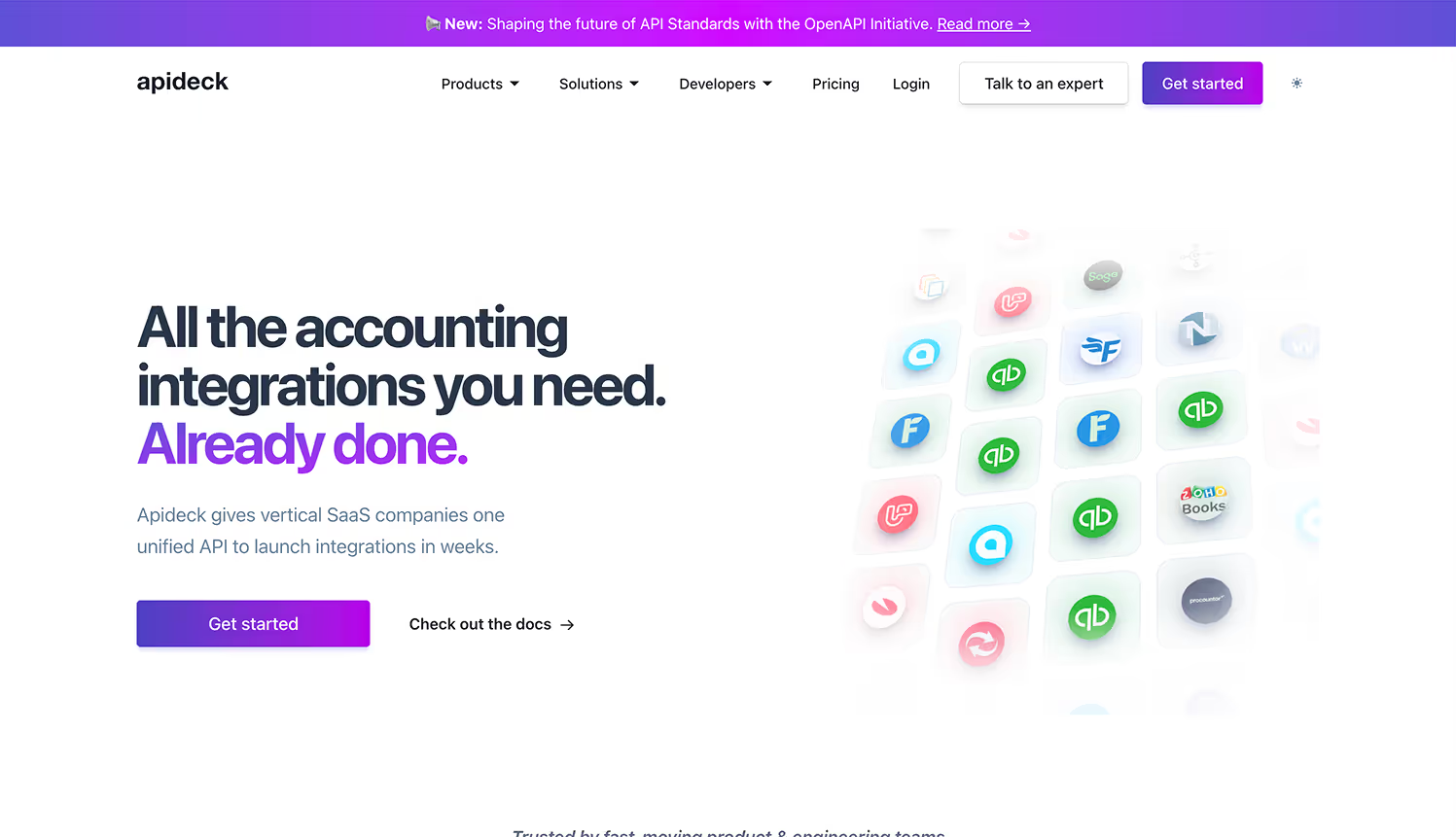
Apideck is an application integration tool that provides unified APIs across multiple software categories, allowing SaaS products to launch and manage native integrations through a single, standardized interface. It focuses on real-time data access, normalized schemas, and operational visibility while avoiding data storage or background syncing.
Key Features
- Unified APIs by Category: Prebuilt APIs for Accounting, HRIS, ATS, CRM, Ecommerce, File Storage, Issue Tracking, and ERP systems, each exposed through a consistent contract.
- Normalized Data Models: Translates fragmented third-party schemas into one common structure while still allowing access to raw provider fields when needed.
- Real-Time API Calls: Processes requests live without caching or storing customer data, reducing latency and data residency concerns.
- Authentication and Token Management: Handles OAuth flows, token refresh, and connection lifecycle through a secure, embedded white-label interface.
Best For
Vertical SaaS companies that need reliable, real-time integrations across accounting, HR, CRM, and operational systems, especially teams that prioritize normalized data models, strong debugging visibility, and minimal data storage risk when supporting customer-facing integrations.
8. Knit
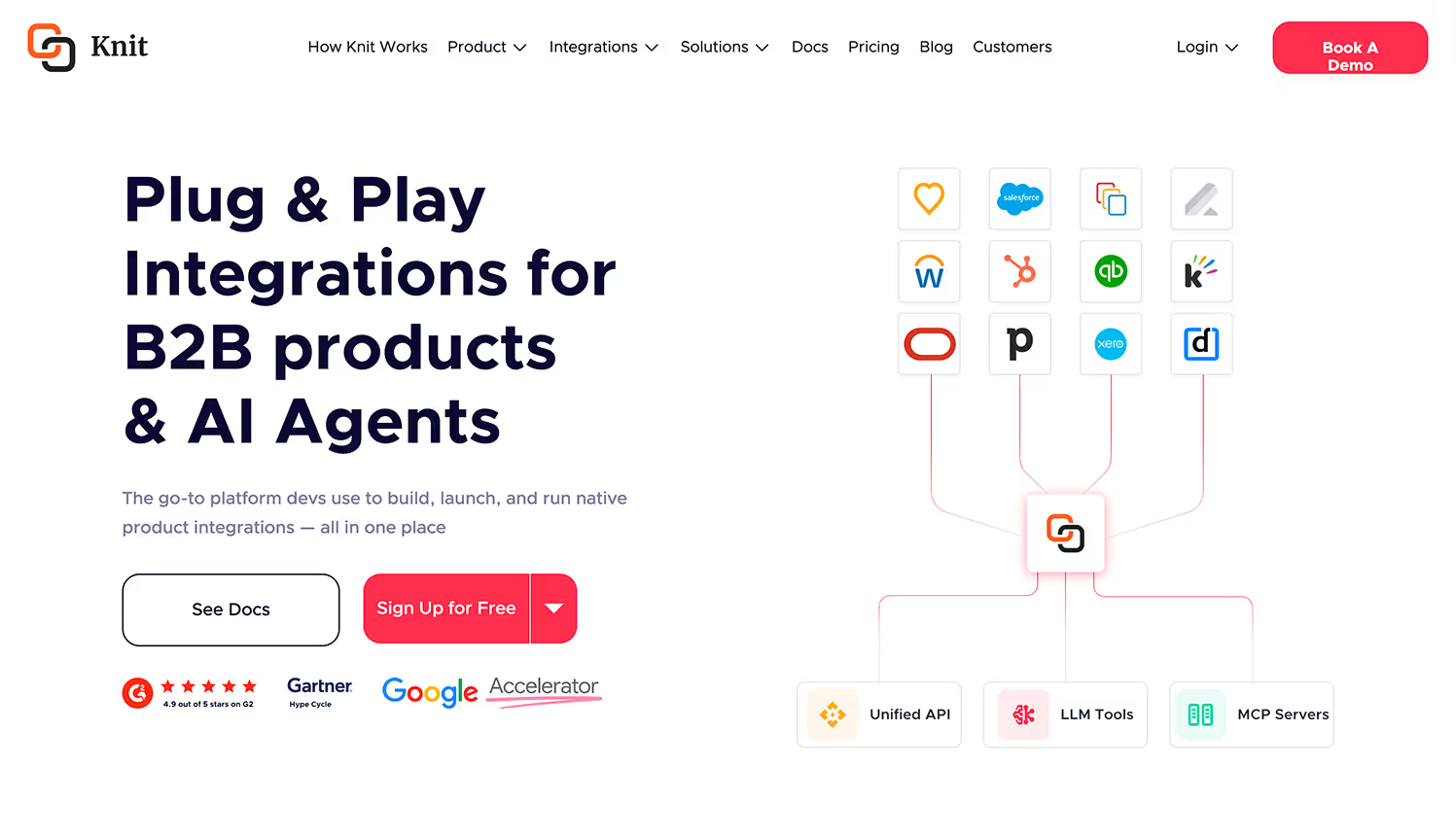
Knit is an application integration tool designed to help B2B products and AI agents build, launch, and operate native integrations from a single platform. It combines unified APIs, LLM-ready action tools, and managed MCP servers to support bi-directional data syncs and agent-driven workflows across common SaaS systems.
Key Features
- Unified API Layer: One-to-many connectors across 12 SaaS categories, allowing bi-directional data sync without custom point integrations.
- LLM-Ready Action Tools: Framework-agnostic SDKs that allow AI agents to take authenticated actions inside external SaaS applications.
- Managed MCP Servers: 100+ MCP servers, handled authentication and broad tool coverage for automating workflows.
- Multi-Category Coverage: Supports ATS, HRIS, CRM, accounting, ticketing, email, calendar, expense management, subscriptions, and communication systems.
Best For
B2B SaaS teams and AI-first products that need a single platform for traditional application integrations and agent-driven actions, especially teams building LLM-powered features, internal automations, or customer-facing workflows across multiple SaaS categories.
9. Truto
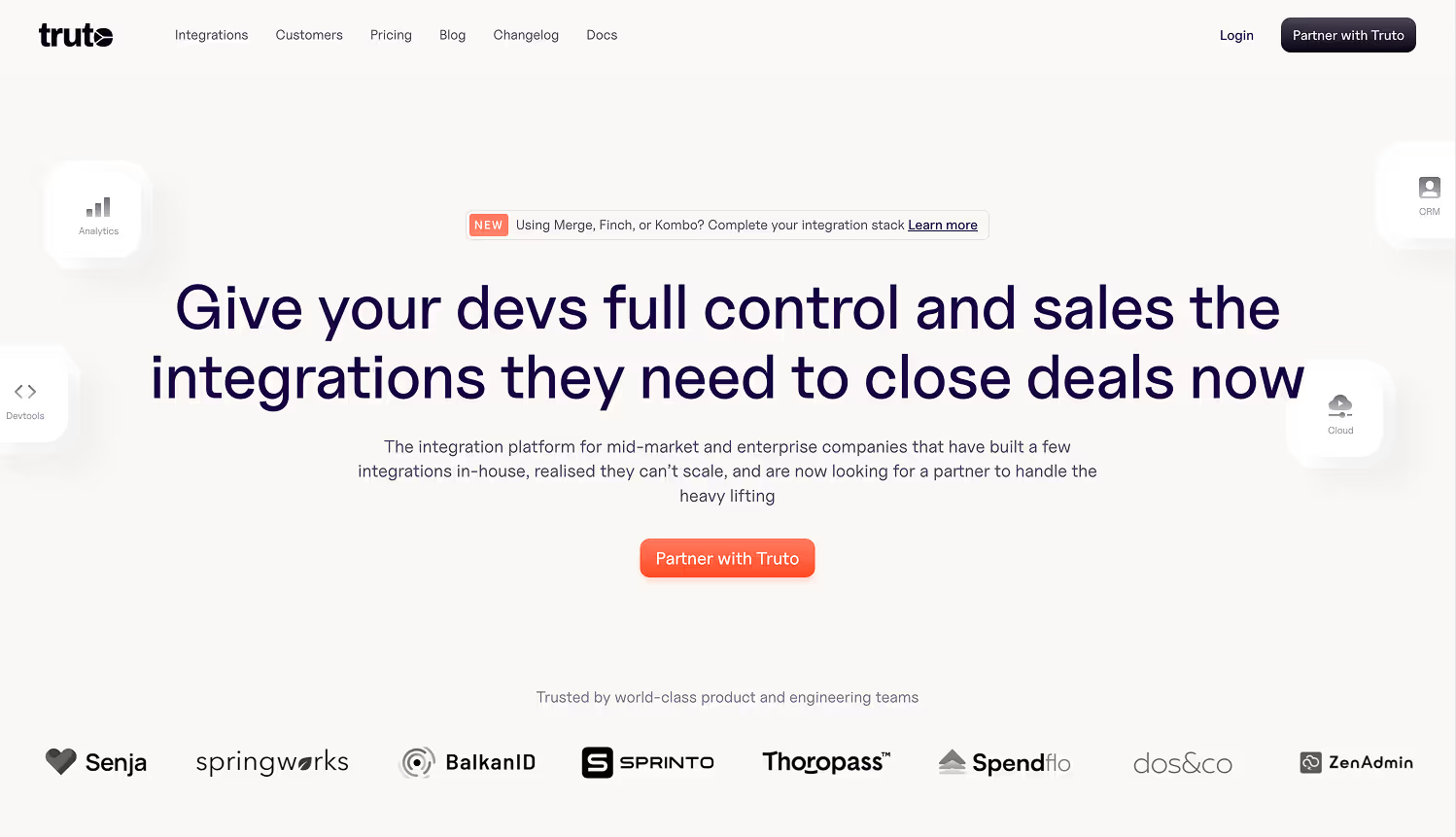
Truto is an application integration tool that combines a unified API platform with a service-first delivery model. It supports 500+ applications across 30+ categories and is designed to take full ownership of integration research, build, customization, and long-term maintenance for B2B products.
Key Features
- Customized Unified APIs: Unified endpoints are adapted to match specific product use cases rather than enforcing a rigid, generic schema.
- Integration-as-a-Service Model: Truto acts as an extension of the product and engineering team, handling API research, development, and production rollout.
- Broad Application Coverage: Supports HRIS, ATS, CRM, accounting, ticketing, identity, analytics, marketing, payments, and infrastructure systems.
- Build or Buy Flexibility: Teams can use prebuilt integrations, request custom connectors, or build integrations internally using Truto’s tooling and AI-assisted workflows.
Best For
B2B SaaS companies that want to offload integration ownership entirely, especially teams with limited integration bandwidth, complex enterprise requirements, or a need for quick expansion across many software categories without building and maintaining connectors internally.
10. Nango
Nango is a code-first application integration tool designed for engineering teams that want full control over how integrations are built and operated. It provides a managed integration layer for 500+ third-party APIs, handling authorization and infrastructure concerns while allowing developers to own business logic and data flows.
Key Features
- Prebuilt API Connectivity: Supports 500+ APIs across categories such as HR, ATS, CRM, accounting, payments, ticketing, storage, and productivity tools.
- OAuth and Auth Handling: Manages OAuth flows, token refresh, scoped access, and credential storage so teams do not need to implement auth logic per provider.
- Rate Limits and Pagination Management: Abstracts common API constraints such as throttling, pagination, and retries across integrations.
- Webhook Support: Provides tooling to consume and manage webhooks consistently, where providers support event-based updates.
Best For
Engineering-led B2B SaaS teams that want maximum flexibility and ownership over integration logic, especially products with custom workflows, non-standard data models, or advanced use cases that do not fit rigid unified API abstractions.
Application Integration Tools Pricing Comparison
Choosing the right application integration tool depends on data complexity, control requirements, and long-term maintenance expectations. Prioritize depth and reliability where integrations directly impact product outcomes.
Still deciding how application integration fits into your architecture? Read Data Integration vs Application Integration: What to Use, When, and Why
High-Impact Use Cases for Application Integration Tools
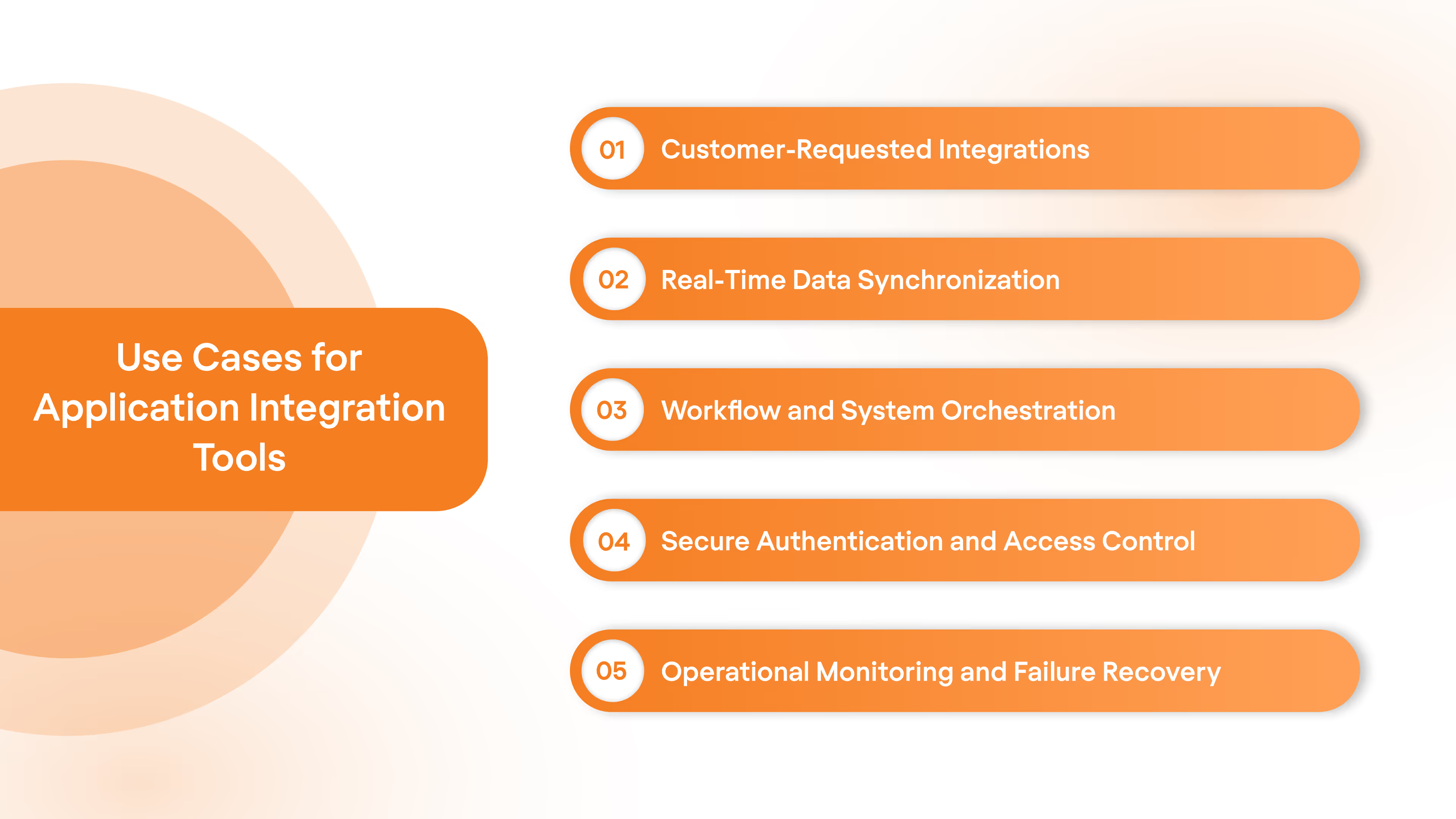
Application integration tools are used when products must exchange data across multiple external systems reliably, securely, and at scale. They sit between core product logic and third-party software to manage data consistency, authentication, and operational risk across live customer environments.
Key Use Cases
- Customer-Requested Integrations: Support the exact HRIS, ATS, payroll, CRM, or accounting systems prospects require during sales cycles without building custom connectors for each deal.
- Real-Time Data Synchronization: Keep employee, payroll, financial, or operational records consistent across systems using event-driven updates and controlled polling strategies.
- Workflow and System Orchestration: Trigger downstream actions such as provisioning, deductions, billing updates, or record creation when upstream system events occur.
- Secure Authentication and Access Control: Centralize OAuth flows, token refresh, scope enforcement, and credential rotation across all connected applications.
- Operational Monitoring and Failure Recovery: Detect broken syncs, schema changes, or API failures through logs, retries, and alerting before customers report issues.
High-impact application integration tools reduce sales friction, lower long-term engineering cost, and allow teams to operate complex, multi-system workflows with predictable reliability in production environments.
Planning integrations at scale requires clarity on cost drivers and tradeoffs. Read Understanding API Integration Cost: Factors and Estimation
How to Choose the Right Application Integration Tool for Your Stack
Selecting an application integration tool requires evaluating how well it fits your product architecture, customer demands, and long-term operational model. The right choice depends on integration depth, control over data flows, and the ability to operate reliably as customer usage scales.
Evaluation Criteria
- Integration Depth and Write Support: Confirm the tool supports read and write operations for critical objects rather than surface-level data access.
- Data Model Strategy: Assess whether the platform offers normalized schemas, raw data access, or both, based on how tightly your product logic depends on external systems.
- Authentication and Security Controls: Review OAuth handling, token lifecycle management, scope configuration, audit logs, and compliance certifications.
- Operational Ownership Model: Determine who owns ongoing maintenance, API changes, incident response, and monitoring once integrations are live.
- Customer Onboarding Experience: Evaluate embedded connection flows, sandbox availability, and the time required for customers to connect their systems.
The right application integration tool aligns with your product’s technical constraints and growth goals while reducing long-term maintenance risk as integrations move from launch to sustained production use.
Final Thought
Choosing an application integration tool starts with understanding where integrations sit in your product and how much operational risk they carry.
Broad automation platforms work when quick, lightweight connectivity is enough. Unified APIs help when consistency across many systems is required. Domain-focused application integration tools matter most when the data involved is complex, sensitive, and central to how your product delivers value.
Employment systems fall squarely into that category. HRIS, payroll, and ATS data demand deep coverage, accurate models, and predictable sync behavior in live customer environments.
This is where Bindbee fits. Built specifically for employment systems, Bindbee provides faster setup, cleaner data, and long-term integration reliability without pulling engineering teams away from core product work.
Ready to simplify HRIS, ATS, and payroll integrations with the right application integration tool? Book a Bindbee demo today.
FAQs
1. Can an application integration tool handle breaking API changes automatically?
Most application integration tools detect API changes, but the level of automated recovery depends on whether the platform owns connector maintenance or requires engineering intervention.
2. Does using an application integration tool reduce long-term engineering workload?
An application integration tool reduces initial build time, but long-term workload depends on who manages schema changes, retries, edge cases, and customer-specific failures.
3. How does an application integration tool affect data accuracy at scale?
Data accuracy depends on sync frequency, write support, and canonical models. Shallow application integration tools often struggle with edge cases as customer volume increases.
4. Is an application integration tool suitable for write-heavy workflows?
Not all application integration tools support reliable write operations. Many are optimized for read access and analytics rather than transactional or lifecycle updates.
5. What hidden costs come with choosing the wrong application integration tool?
Hidden costs often appear as extended onboarding cycles, lost deals due to missing integrations, and ongoing engineering time spent fixing sync failures.