

8 Best HR Software That Integrates With QuickBooks (2026 Guide)
Summarise the blog with AI
You have hired new employees, updated titles, adjusted pay bands, and changed benefits, yet all these updates still need to be reflected in QuickBooks.
What seems small on the HR side often turns into hours of manual work, from updating pay rates to fixing deductions or correcting employee records. It adds up quickly.
If you are tired of copying information between tools or juggling multiple tabs every payroll cycle, you are not alone. Many teams face the same challenge when their HR software and QuickBooks do not speak to each other.
This guide breaks down the best HR software that integrates with QuickBooks so your HR, payroll, and accounting data stay perfectly aligned.
At a glance:
- Clean, real-time HR data is essential for accurate QuickBooks payroll, error-free journal entries, and smooth HR–finance coordination.
- HR software with native or API-based QuickBooks sync, accurate payroll mapping, clean time-data transfer, and full lifecycle updates delivers the most reliable results.
- Gusto, BambooHR, Rippling, Zenefits, Zoho People, Paycor, Deel, and ADP offer strong QuickBooks integrations suited to different business needs.
- Integration gaps often appear due to one-way sync, middleware dependencies, inconsistent GL mapping, or inaccurate time-tracking data.
- Bindbee improves QuickBooks reliability by standardizing HRIS, payroll, ATS, and benefits data into clean, real-time formats that scale across all customers.
Why QuickBooks Integrations Matter in HR
QuickBooks is where the money moves. Your HR software is where the employee data lives. The moment those two systems fall out of sync, the impact shows up fast: payroll discrepancies, journal entry mismatches, missing deductions, and hours lost fixing preventable errors.
Here is what a strong integration changes in your workflow:
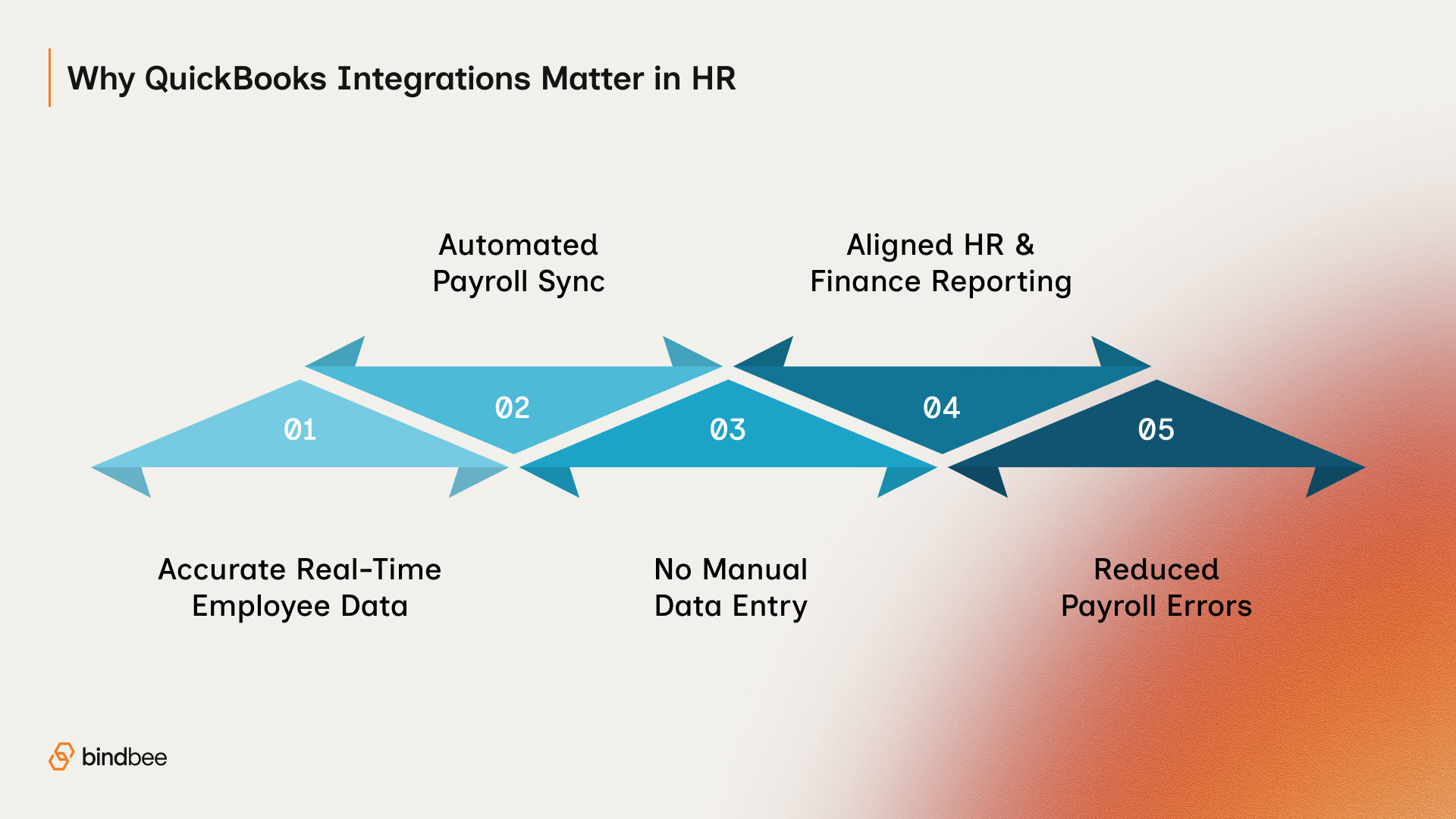
1. Real-Time Employee Data That Stays Correct
Employee information, job titles, pay bands, start dates, and terminations move seamlessly into QuickBooks. No double entry, no outdated records, no risk of running payroll on old data.
2. Payroll That Practically Runs Itself
QuickBooks receives the latest pay rates, hours, deductions, and contributions directly from your HR or time system. Payroll stops being a copy-paste exercise and becomes a clean, repeatable process.
3. Zero Manual Entry Across HR and Finance
Avoid the monthly scramble of updating employee changes in two places. Integrations cut down on admin-heavy tasks that drain time and introduce inconsistency.
4. Reporting That Actually Matches
Finance sees accurate payroll and accounting entries. HR sees real-time workforce and compensation data. Leadership gets reports that match on both sides, without reconciliation headaches.
5. Lower Risk and Fewer Payroll Mistakes
Incorrect pay rates, missing tax details, and outdated employee info are some of the biggest drivers of payroll mistakes. Automated data sync reduces these risks significantly.
A solid QuickBooks integration turns payroll and reporting from a reactive chore into a reliable, repeatable part of your HR workflow.
What To Look For in HR Software That Integrates With QuickBooks
A solid QuickBooks integration does more than push data from one system to another. It keeps payroll clean, reporting accurate, and HR updates flowing without extra admin work.
Here are the essentials to look for when choosing the right HR tool.
- A True Integration, Not a Patchwork Connector: Look for HR software with a native or API-based QuickBooks integration. These connections are more stable, faster to update, and less likely to break during payroll cycles.
- Two-Way Sync When You Need It: Bi-directional sync keeps HR and QuickBooks aligned both ways. Even if you only need one-way push today, having both options protects you as your workflows grow.
- Reliable Payroll and Tax Accuracy: The right tool should map pay rates, pay periods, deductions, reimbursements, and taxes correctly so every payroll run lands cleanly inside QuickBooks.
- Time and Attendance That Syncs Cleanly: Hours worked, overtime, breaks, and time-off data should flow automatically into payroll. No manual exports. No last-minute fixes.
- Smart Benefits and Deduction Mapping: Health benefits, retirement contributions, insurance premiums, and other deductions must be mapped correctly to the QuickBooks chart of accounts for accurate reporting.
- Full Employee Lifecycle Coverage: New hires, promotions, comp changes, leave updates, and terminations should sync without manual intervention. This removes repetitive admin work and prevents payroll surprises.
- Strong Validation and Error Handling: A good integration catches issues before they hit payroll. Look for tools with in-app alerts, data checks, and clear error messages that help your team fix problems quickly.
When these pieces are in place, QuickBooks becomes a reliable financial record, not a system you constantly need to fix.
Top HR Software That Integrates With QuickBooks
The right HR software should do more than sync basic employee details into QuickBooks. It should automate payroll inputs, reduce reconciliation work, and give both HR and finance a single, clean data flow.
Here are the top platforms that integrate well with QuickBooks and what each one offers.
1. Gusto
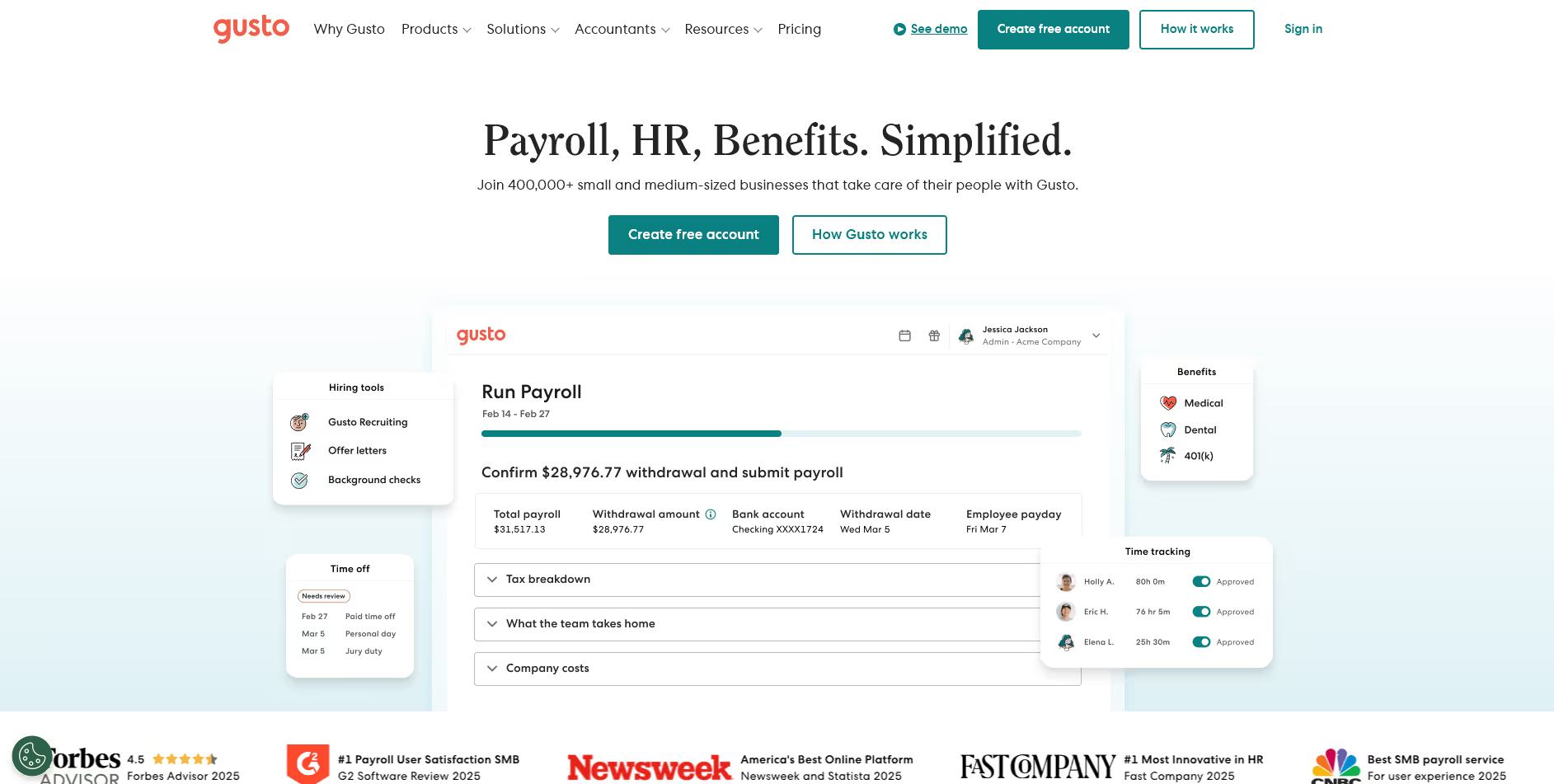
Gusto is an HR and payroll platform built for small and mid-sized teams, known for its automation and ease of use. It simplifies payroll setup and keeps employee data and pay runs tightly connected.
Key Features
- Full-service payroll with automated filings and accurate state and federal tax handling
- Time tracking that syncs hours, overtime, and PTO directly into payroll
- Benefits administration that centralizes health, retirement, and perks enrollment for employees
- Onboarding workflows with documents, offer letters, and provisioning tasks managed in one place
QuickBooks Integration: Automatically syncs payroll journal entries, employee updates, pay rates, deductions, and contractor payments into QuickBooks without manual mapping.
Best Suited For: Small to mid-sized businesses that want easy payroll and hands-off syncing with QuickBooks.
2. BambooHR
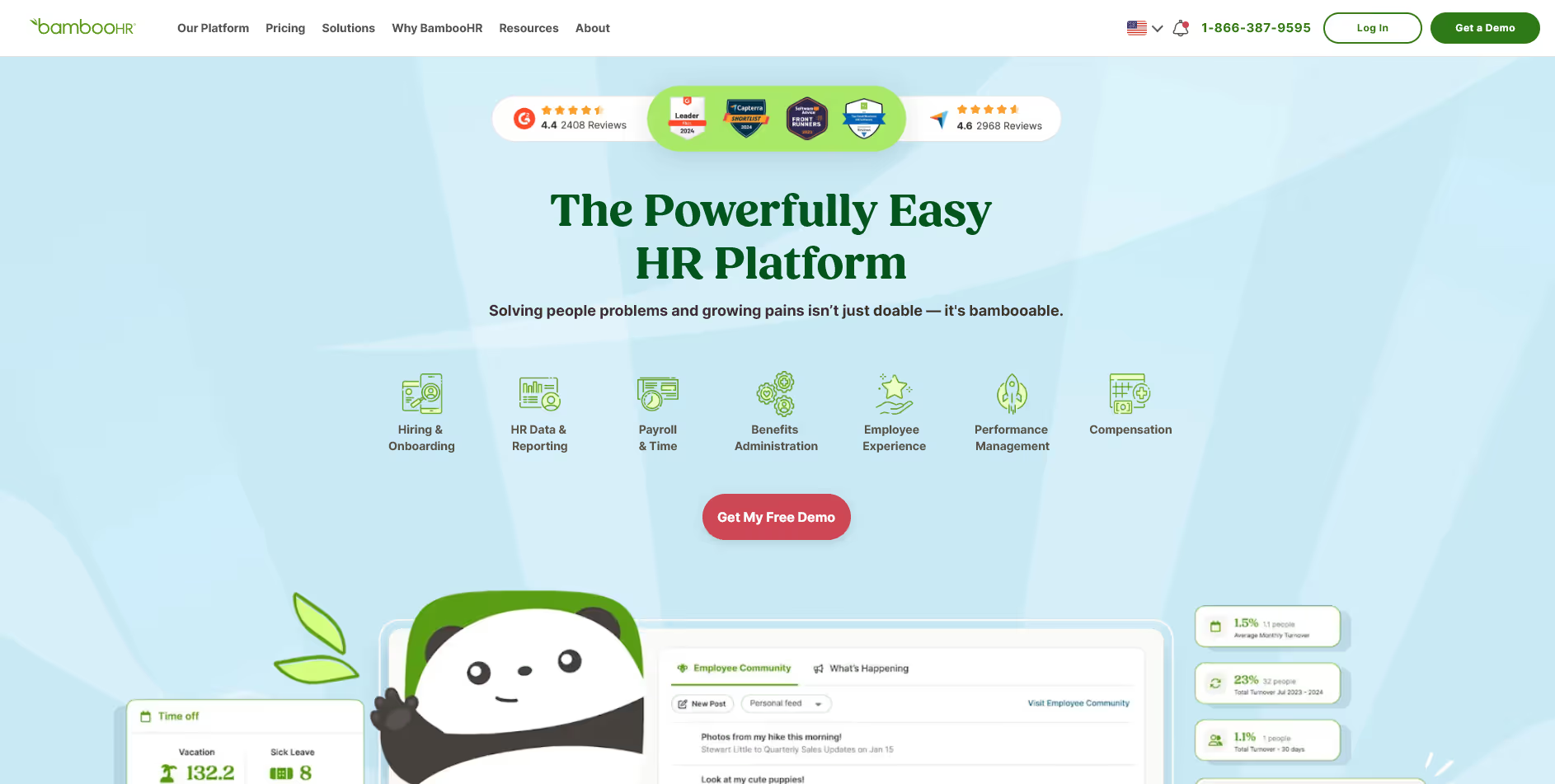
BambooHR is a people-management platform focused on employee records, onboarding, and day-to-day HR operations. It offers strong usability and supports HR teams looking to streamline core workforce tasks.
Key Features
- Centralized employee database that organizes records, documents, job info, and personal details
- PTO tracking with automated approvals and balance calculations for every employee
- Time tracking that captures hours worked and integrates with payroll partners easily
- Performance management tools supporting evaluations, feedback cycles, and goal-setting frameworks
QuickBooks Integration: Pushes time and payroll-related data into QuickBooks through approved connectors, helping reduce manual payroll prep.
Best Suited For: HR teams that want strong people operations features and need QuickBooks support, but do not run payroll inside BambooHR.
Suggested read: Pulling Employee Data from BambooHR API: Complete Guide
3. Rippling
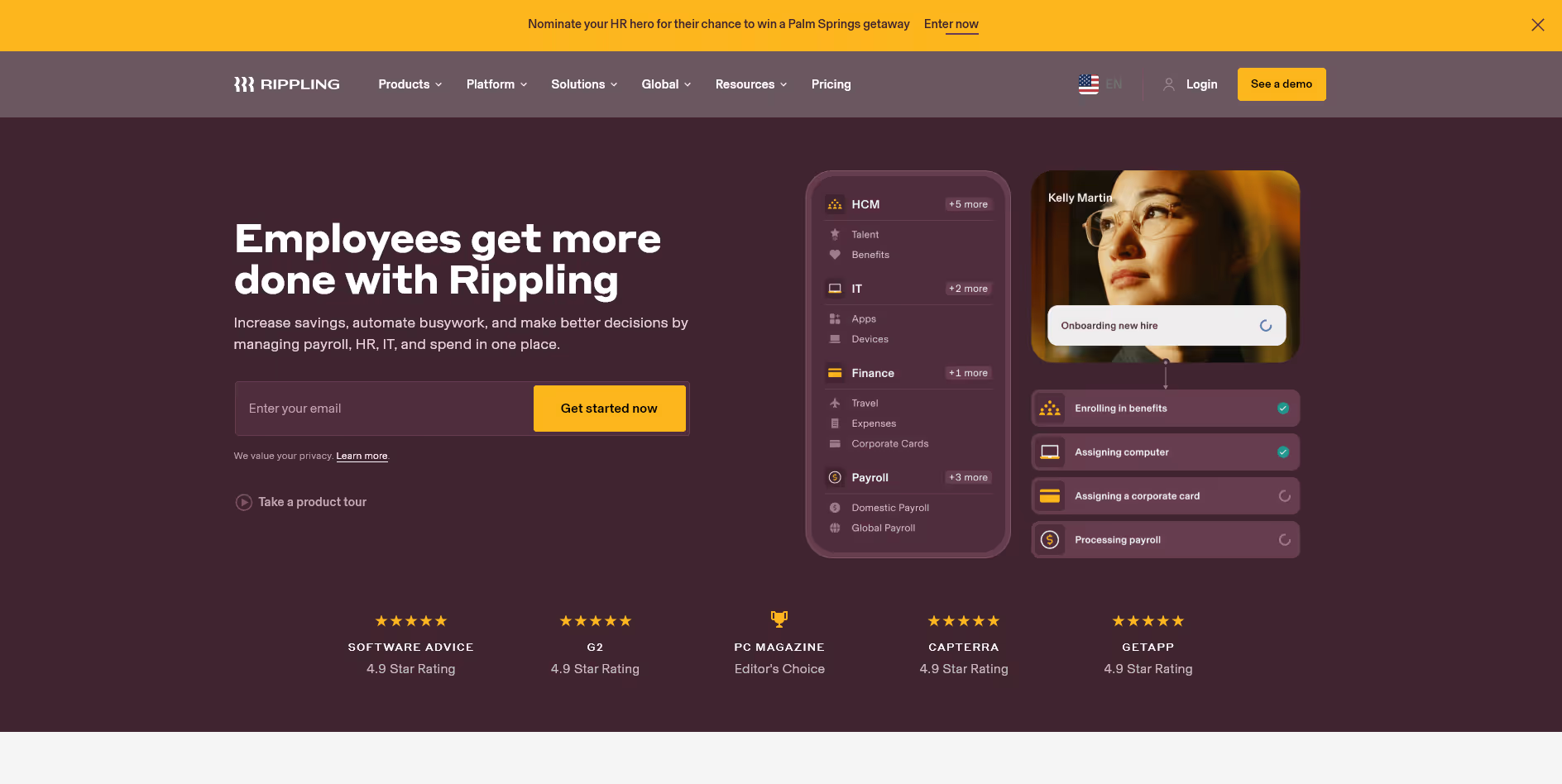
Rippling is an all-in-one workforce platform combining HR, payroll, IT, and finance automation. It unifies employee data across systems, making it particularly powerful for growing teams.
Key Features
- Unified employee profiles connecting HR, payroll, IT access, and device management
- A payroll engine that calculates pay, taxes, deductions, and reimbursements with high accuracy
- Time and attendance tracking with automated overtime rules and compliance safeguards
- Workflow automation that triggers actions across HR and IT using custom logic
QuickBooks Integration: Syncs payroll runs, accounting journal entries, and employee updates into QuickBooks with detailed account-level mapping.
Best Suited For: Teams that want an integrated HR + IT ecosystem with precise financial mapping.
4. TriNet HR Plus
TriNet HR Plus (formerly Zenefits) is an HR platform for small businesses, offering payroll, scheduling, time tracking, and benefits under one simplified system. It is designed for budget-conscious teams that still want strong HR functionality.
Key Features
- Payroll engine supporting wages, taxes, benefits, and all standard payroll calculations
- Time tracking module capturing hours, shifts, breaks, and attendance patterns
- Benefits administration connecting employees to medical, dental, and retirement plans
- HR management tools for onboarding, documents, roles, and basic compliance tasks
QuickBooks Integration: Allows payroll journal entries, employee updates, and time data to pass into QuickBooks automatically.
Best Suited For: Small businesses that want an affordable HR platform with dependable QuickBooks payroll syncing.
5. Zoho People
Zoho People is a flexible HRIS built for teams needing strong time tracking and people management without a heavy price tag. It fits well within the broader Zoho ecosystem.
Key Features
- Detailed time and attendance tracking with geolocation, shifts, and check-in validation
- Employee self-service portal for profile updates, requests, and document submissions
- Custom workflows supporting approvals, role changes, and day-to-day HR processes
- Leave and shift management tools that automate calculations and schedule updates
QuickBooks Integration: Integrates primarily through timesheets and attendance data, letting hours flow into QuickBooks payroll for accurate calculations.
Best Suited For: Teams that use QuickBooks and want a cost-effective HRIS with strong time-tracking capabilities.
6. Paycor
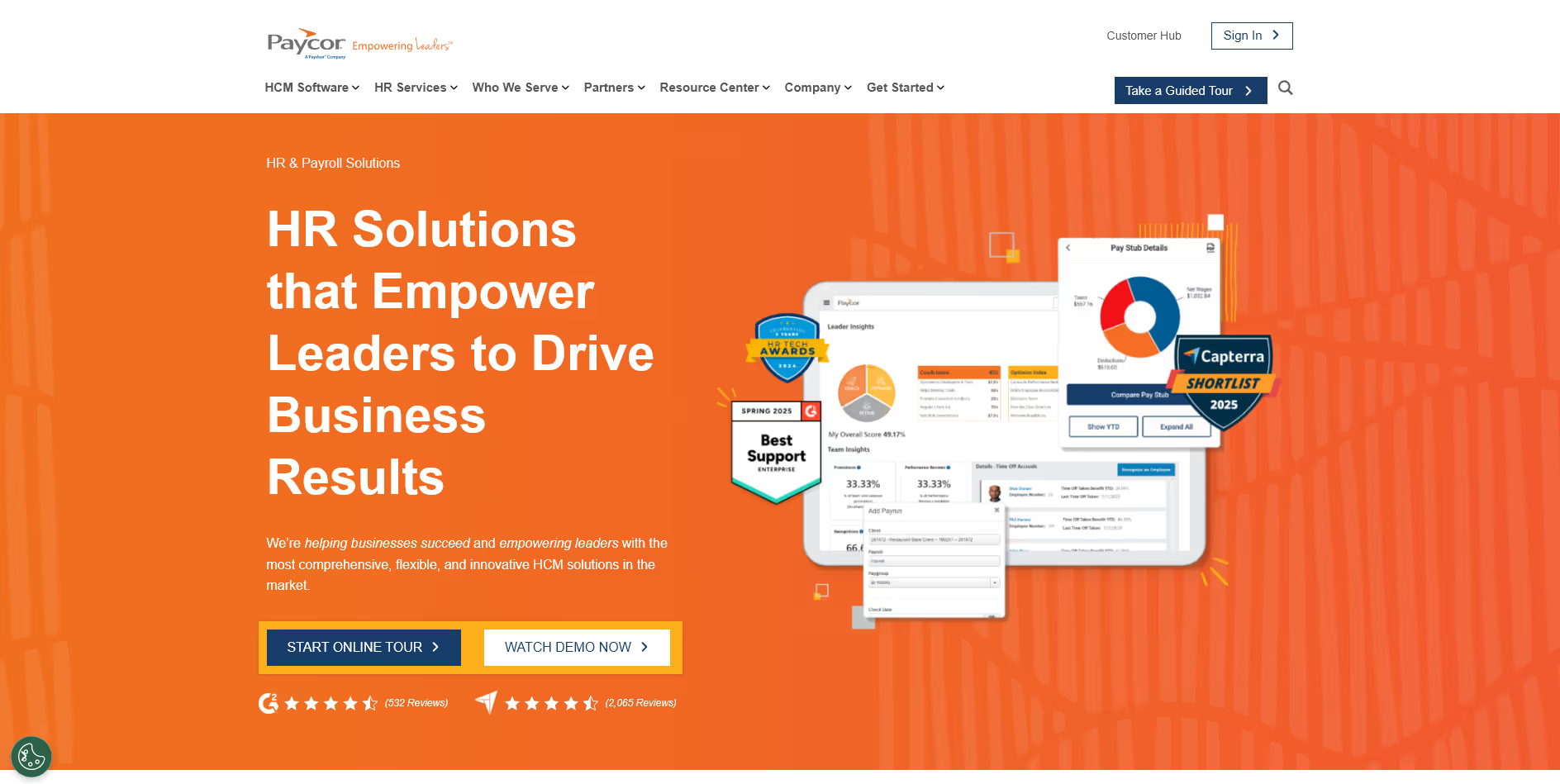
Paycor is a payroll-first HR platform designed for mid-sized organizations with more advanced workforce needs. It excels in handling complex payroll and labor management.
Key Features
- Advanced payroll engine supporting multi-state rules, taxes, and compliance workflows
- Workforce scheduling tools optimizing labor allocation and shift accuracy
- Talent management features covering recruiting, onboarding, and employee development
- Analytics dashboard providing insights into labor cost, overtime, and workforce trends
QuickBooks Integration: Exports payroll data, employee changes, and accounting entries directly into QuickBooks for faster month-end close.
Best Suited For: Growing companies with more complex payroll and workforce management needs.
7. Deel
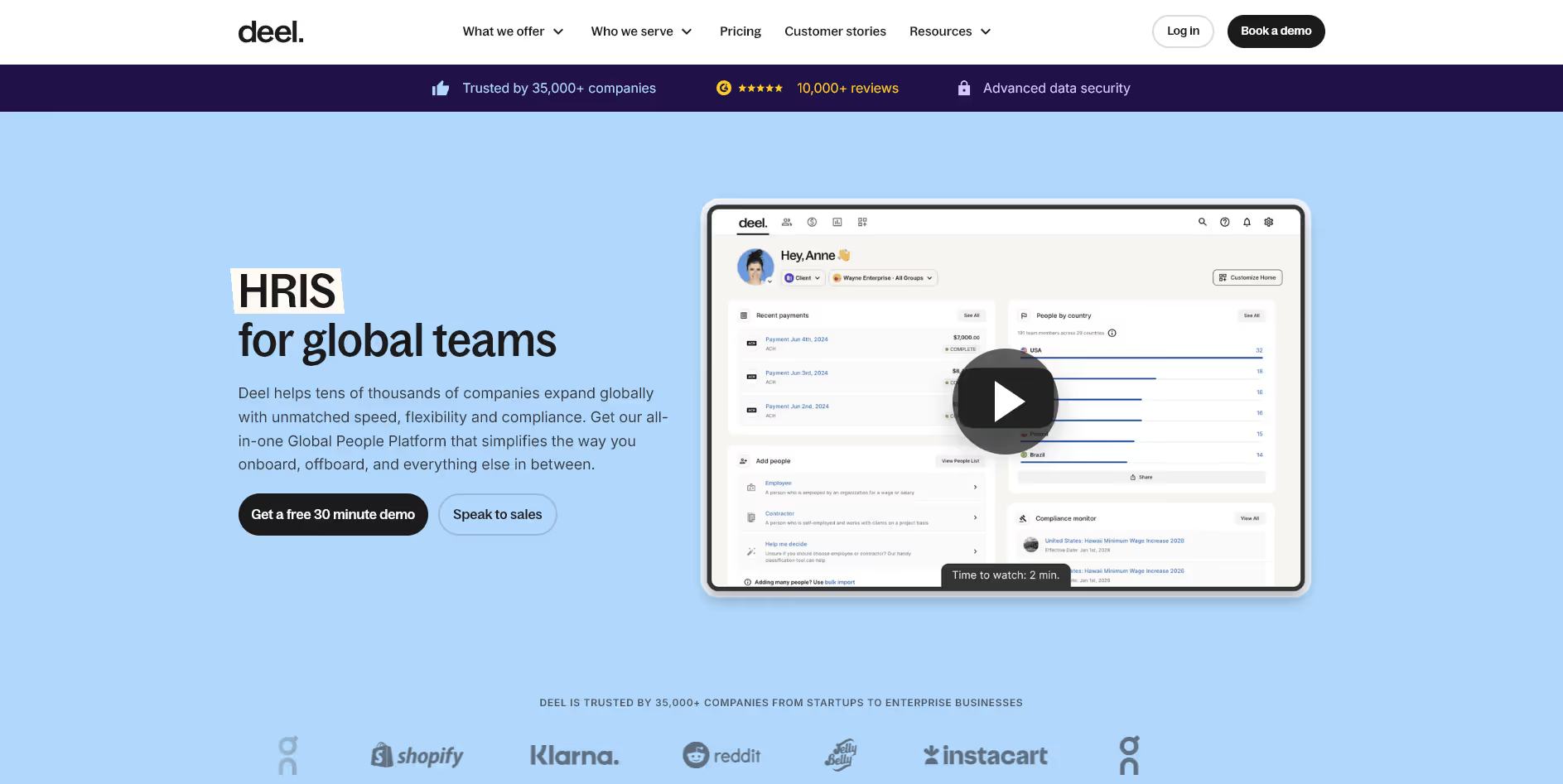
Deel is a global payroll and compliance platform that manages hiring, payments, and documentation across more than 100 countries. It removes complexity for teams with international talent.
Key Features
- Global payroll engine handling taxes, benefits, and compliance in multiple countries
- Contractor management with invoicing, payments, and localized documentation
- Employer of Record services enabling compliant hiring without local entities
- Secure onboarding flows that manage identity, documents, and country-specific requirements
QuickBooks Integration: Syncs contractor payments, invoices, and payroll data into QuickBooks, reducing reconciliation work for distributed teams.
Best Suited For: Companies hiring globally that need compliant payroll and clean accounting workflows with QuickBooks.
8. ADP
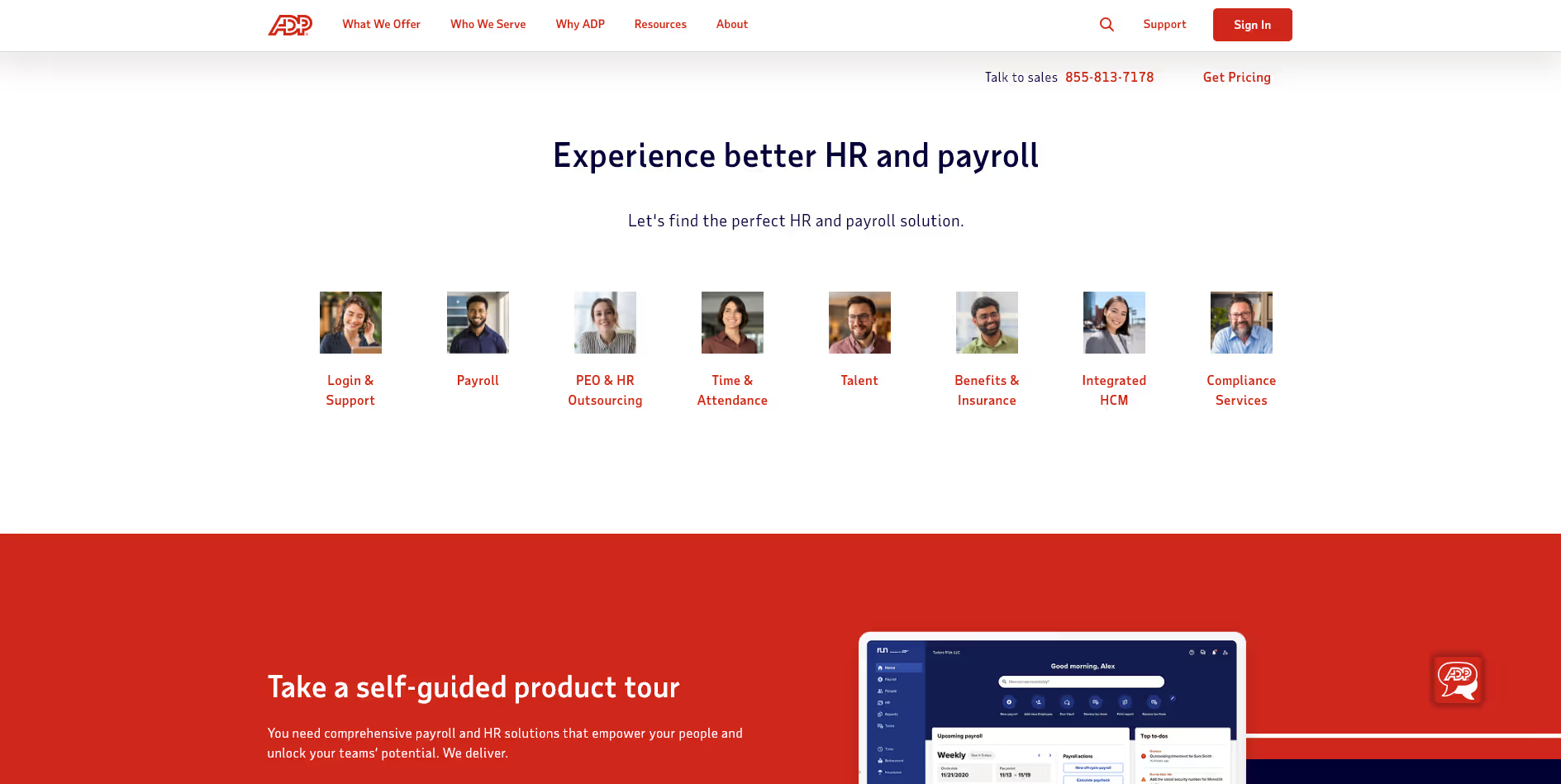
ADP is a long-established HR and payroll provider with strong capabilities across tax, compliance, benefits, and workforce management. It is built for reliability at scale.
Key Features
- Comprehensive payroll platform managing taxes, garnishments, and compliance reporting
- Time and attendance features supporting shift work, policies, and labor rules
- Benefits management integrating eligibility, enrollment, and carrier communication
- Workforce analytics with dashboards covering labor cost, productivity, and headcount
QuickBooks Integration: Integrates through ADP’s marketplace and approved connectors to push payroll data, tax information, and accounting entries into QuickBooks.
Best Suited For: Companies of any size that want proven payroll infrastructure with QuickBooks compatibility.
Where QuickBooks Integrations Fall Short
Even the strongest QuickBooks integrations have limits. Some gaps are minor. Others create real payroll and reporting friction. If you rely on QuickBooks, it pays to know where HR tools often struggle so you can avoid cleanup work later.
1. One-Way Sync Creates Data Drift
Plenty of HR tools only push updates into QuickBooks. Changes made inside QuickBooks rarely sync back, which leads to mismatched pay rates, outdated employee records, and avoidable reconciliation errors.
2. Middleware Adds More Moving Parts
Some platforms do not connect to QuickBooks natively. They rely on third-party middleware that adds latency, extra costs, and an additional point of failure every payroll cycle.
3. Journal Entries Do Not Always Fit Your GL
If your chart of accounts is customized, many HR systems will not map wages, benefits, taxes, or job codes cleanly. The result is a monthly journal entry cleanup that your team should not have to do.
4. Time Data Often Loses Accuracy in Transit
Hour totals, breaks, overtime, and time-off data can land in QuickBooks slightly off. Small discrepancies force your team to adjust payroll manually and re-check numbers each cycle.
QuickBooks integrations make HR and payroll smoother, but understanding these gaps helps you choose a platform that supports your exact accounting setup without extra work.
Also read: What Is Two-Way Sync? How It Keeps Your Data Accurate Across Systems
How Bindbee Helps HR Tools Build Reliable QuickBooks Integrations
A QuickBooks integration is only as strong as the HR and payroll data feeding into it. If employee information, contributions, attendance, or deductions are inconsistent across systems, your QuickBooks sync will always need manual fixes.
Bindbee solves that root problem by giving HR software clean, standardized, and real-time employment data from all connected HRIS, ATS, payroll, and benefits systems before anything touches QuickBooks.
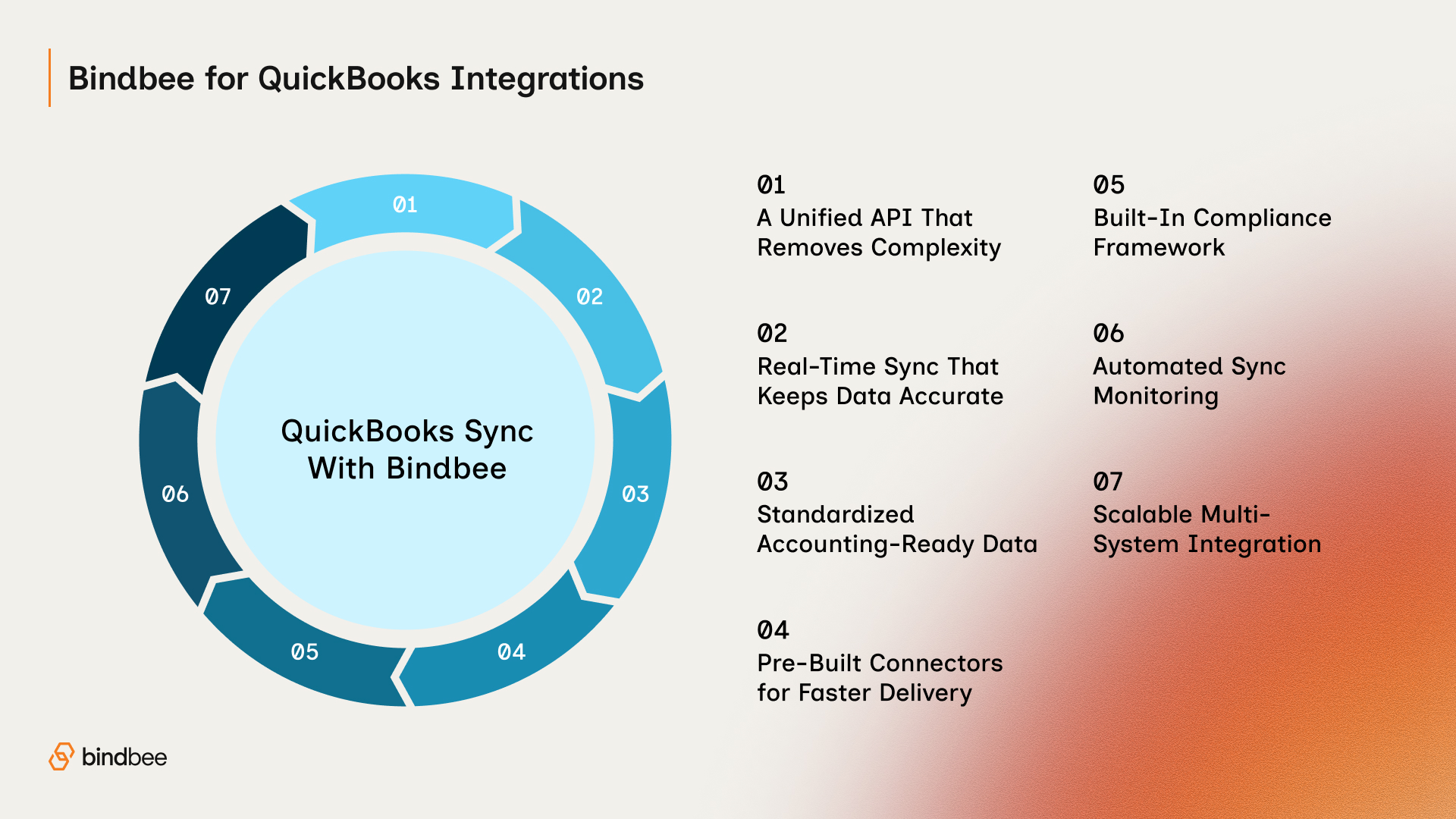
A Unified API That Removes Complexity
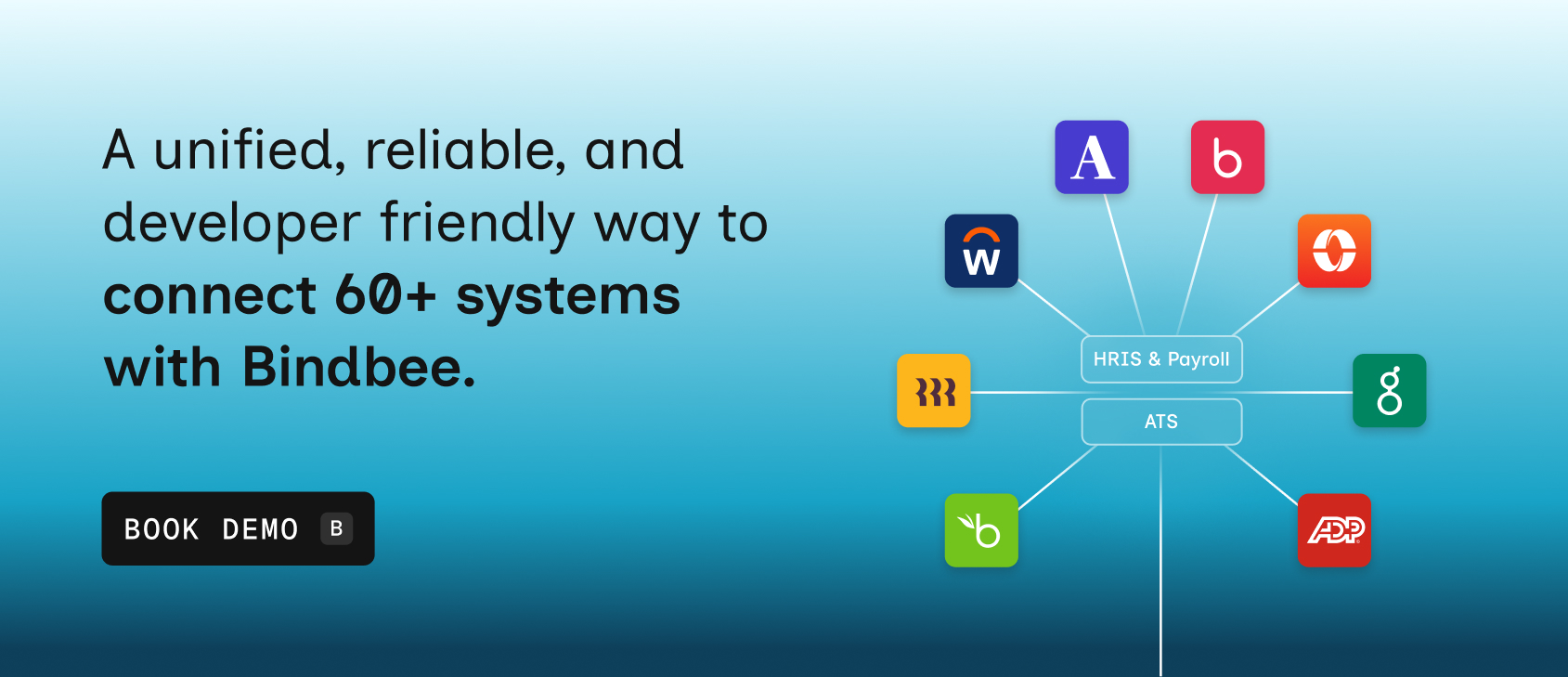
Bindbee connects your product to 60+ HRIS, ATS, payroll, and benefits systems through one API. No more custom connectors or one-off fixes. You get consistent employee and payroll data ready for QuickBooks.
Real-Time Sync That Keeps Data Accurate
Employee changes, contributions, pay updates, and demographics sync instantly. QuickBooks receives fresh, reliable data instead of outdated records.
Standardized Employment Data Built for Accounting
Bindbee normalizes compensation, benefits, deductions, contributions, time, and job data. This prevents the formatting issues that usually break QuickBooks entries.
Pre-Built Connectors for Faster Delivery
Mapped objects and ready workflows help HR tools ship HRIS and payroll integrations in days, resulting in faster and more stable QuickBooks syncing.
Compliance Handled at the Infrastructure Level
GDPR, CCPA, HIPAA, ISO, and SOC 2 safeguards are built in, giving HR platforms a secure foundation for moving sensitive data into QuickBooks.
Monitoring That Prevents Broken Data Flows
Automated checks catch and resolve sync failures early, making your QuickBooks integration predictable and low-maintenance.
Scalable Across Every Employer’s Tech Stack
Bindbee keeps data consistent across modern HRIS, legacy payroll tools, and niche systems, allowing QuickBooks integrations to scale without custom rebuilds for every client.
The Bottom Line
QuickBooks is at its best when it receives clean, structured workforce data. The right HR software removes manual entry, improves payroll accuracy, and keeps finance aligned with HR. But no matter which platform you choose, the integration is only as strong as the data coming from your HRIS, payroll, ATS, or benefits systems.
Bindbee solves that upstream problem.
By unifying employment data across systems and delivering it in a consistent format, it helps HR tools send cleaner, more reliable information into QuickBooks every time.
Build cleaner QuickBooks workflows with zero custom connectors. Book your demo to start now.
FAQs
1. Does QuickBooks have HR software?
QuickBooks does not offer full HR software, but it includes basic HR-related features such as time tracking, benefits deductions, and payroll. Most companies pair QuickBooks with an HRIS or HR software to manage onboarding, employee records, time off, and workforce operations.
2. What software integrates with QuickBooks?
Many HR and payroll tools integrate with QuickBooks, including Gusto, BambooHR, Rippling, Zenefits, Zoho People, Paycor, Deel, and ADP. These platforms sync employee data, time tracking, and payroll entries into QuickBooks to reduce manual work and improve accuracy.
3. Does Workday integrate with QuickBooks?
Workday does not offer a native direct integration with QuickBooks. Companies that use both systems typically rely on middleware or custom-built connectors to sync payroll or financial data between them.
4. Is Clockify compatible with QuickBooks?
Yes. Clockify integrates with QuickBooks to sync time entries, billable hours, and project data. This helps teams move accurate time-tracking information into QuickBooks for payroll or invoicing.