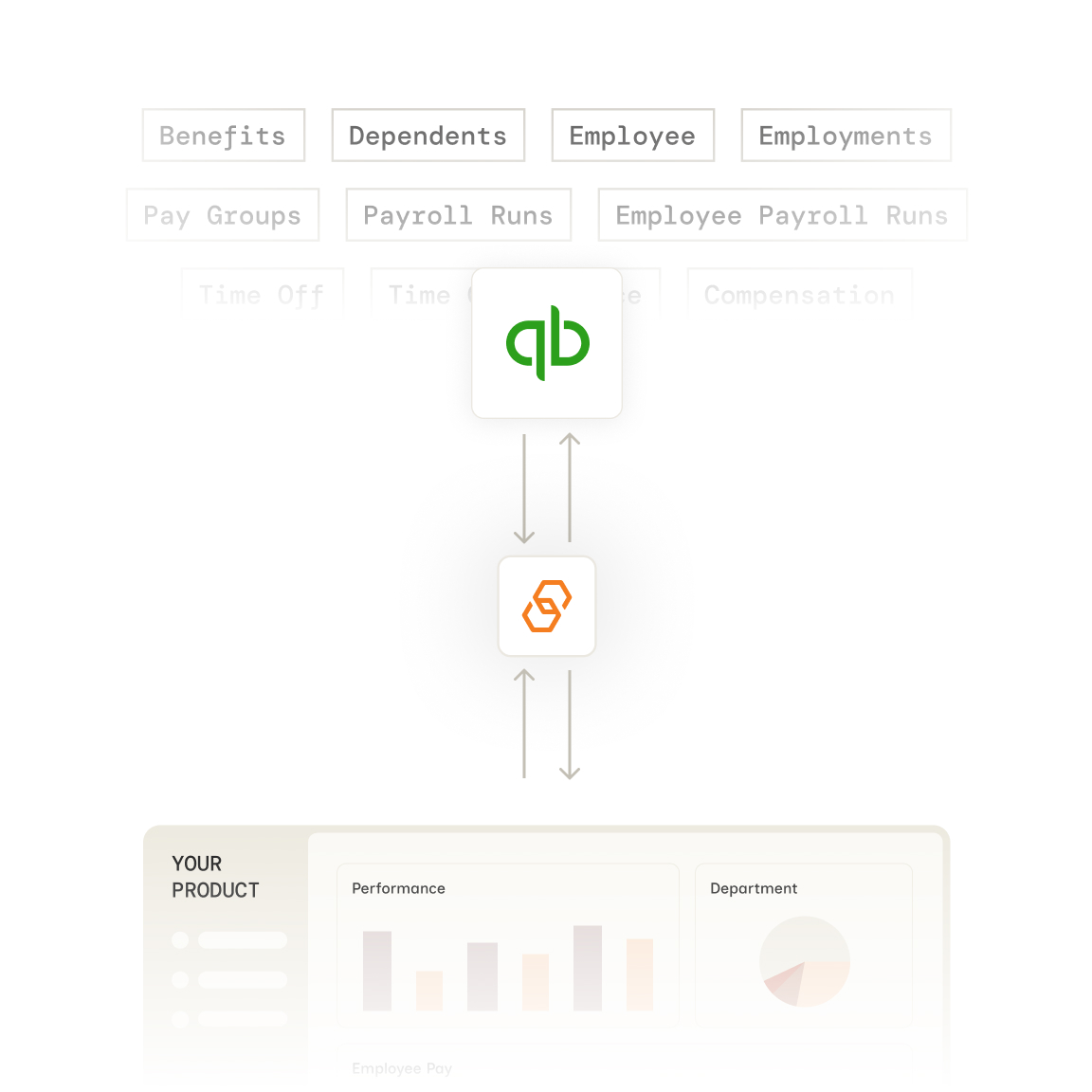
Stop building QuickBooks integrations from scratch. Bindbee gives you a single API to sync employee data, compensation, timesheets, and company information—without the maintenance headaches.
























Bindbee normalizes QuickBooks data into our unified models. One integration, consistent data structure across 60+ HR systems.
Authenticate via Magic Link—our drop-in auth component. Your customer connects their QuickBooks account in under 5 minutes.
We normalize QuickBooks data to unified models with automatic incremental syncs. Employee records, compensation details, and timesheets flow into a consistent schema.
One REST API for QuickBooks and 60+ other HR and payroll systems. Same endpoint structure regardless of which system your customer uses.

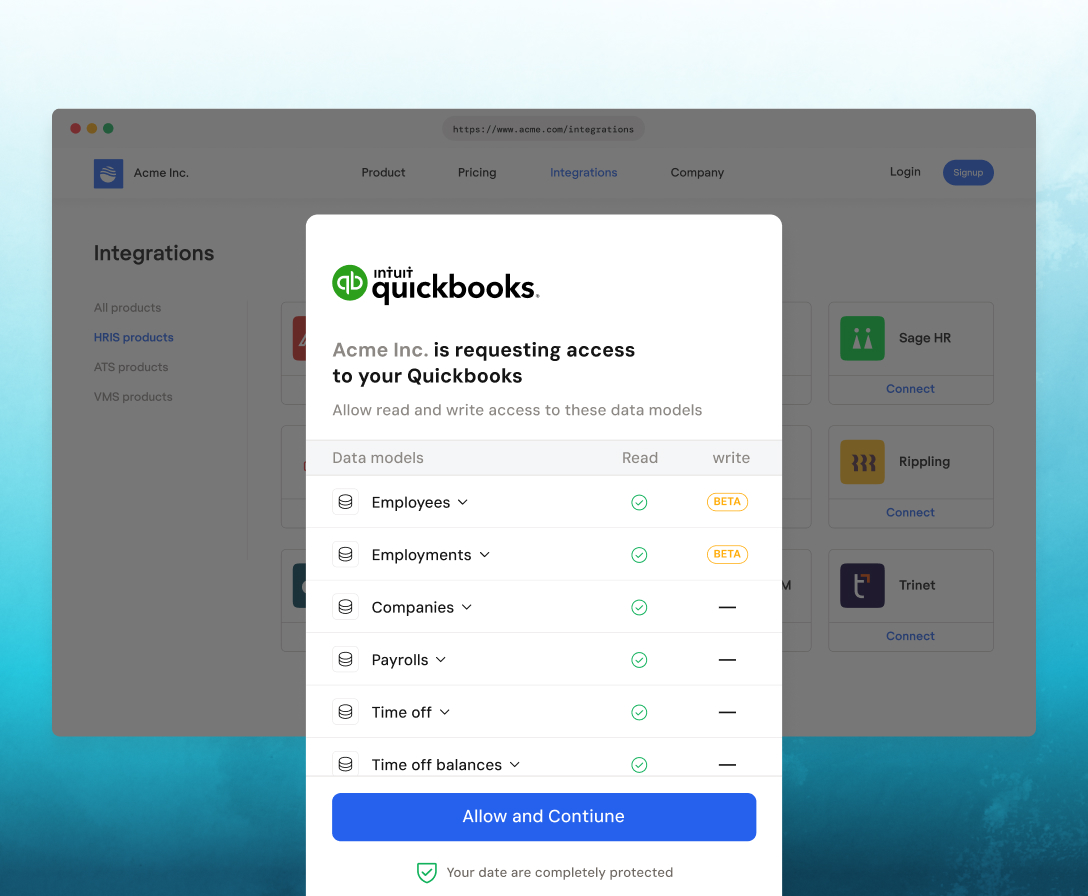
Customers authenticate effortlessly via Magic Link, with an embeddable SDK that enables seamless, in-app connections.
Yes. Bindbee can sync custom fields from QuickBooks. Enable include_custom_fields=true in your API requests to receive custom field data alongside unified model fields.
Initial sync completes in minutes. After that, Bindbee runs automatic incremental syncs to keep your data fresh. You can also trigger manual syncs via the API at any time.
Write-back support varies by model. Contact Bindbee for current QuickBooks write capabilities, including employee creation and time entry updates. See our write-back documentation for details.
You don't. Bindbee manages all rate limiting with QuickBooks' API internally. We cache data and handle retries automatically so you never hit a 429 error.
Bindbee syncs data periodically with automatic incremental syncs. For most use cases, near-real-time data is sufficient. Webhooks notify you when new data is available.
Bindbee currently syncs Employee, Company, Compensation, and Timesheet Entry data from QuickBooks. All data is normalized into Bindbee's unified models for a consistent schema across providers.
Bindbee integrates with QuickBooks Online through its API. For QuickBooks Desktop connectivity, contact our team to discuss your specific requirements.
Bindbee handles version differences internally. Our unified API returns consistent data regardless of which QuickBooks version or plan your customer uses.