Stop building HiBob integrations from scratch. Bindbee gives you a single API to sync employee data, compensation, bank info, and more—without the maintenance headaches.
























Bindbee normalizes HiBob's data into our unified models. One integration, consistent data structure across 60+ HR systems.
Your customer authenticates their HiBob account via Magic Link—our drop-in, secure auth component. No credentials are stored on your servers.
We pull HiBob data and normalize it into unified models with automatic incremental syncs. Initial sync completes in minutes.
One REST API for HiBob and 60+ other HR systems. Same endpoints, same data structure—regardless of which HRIS your customer uses.

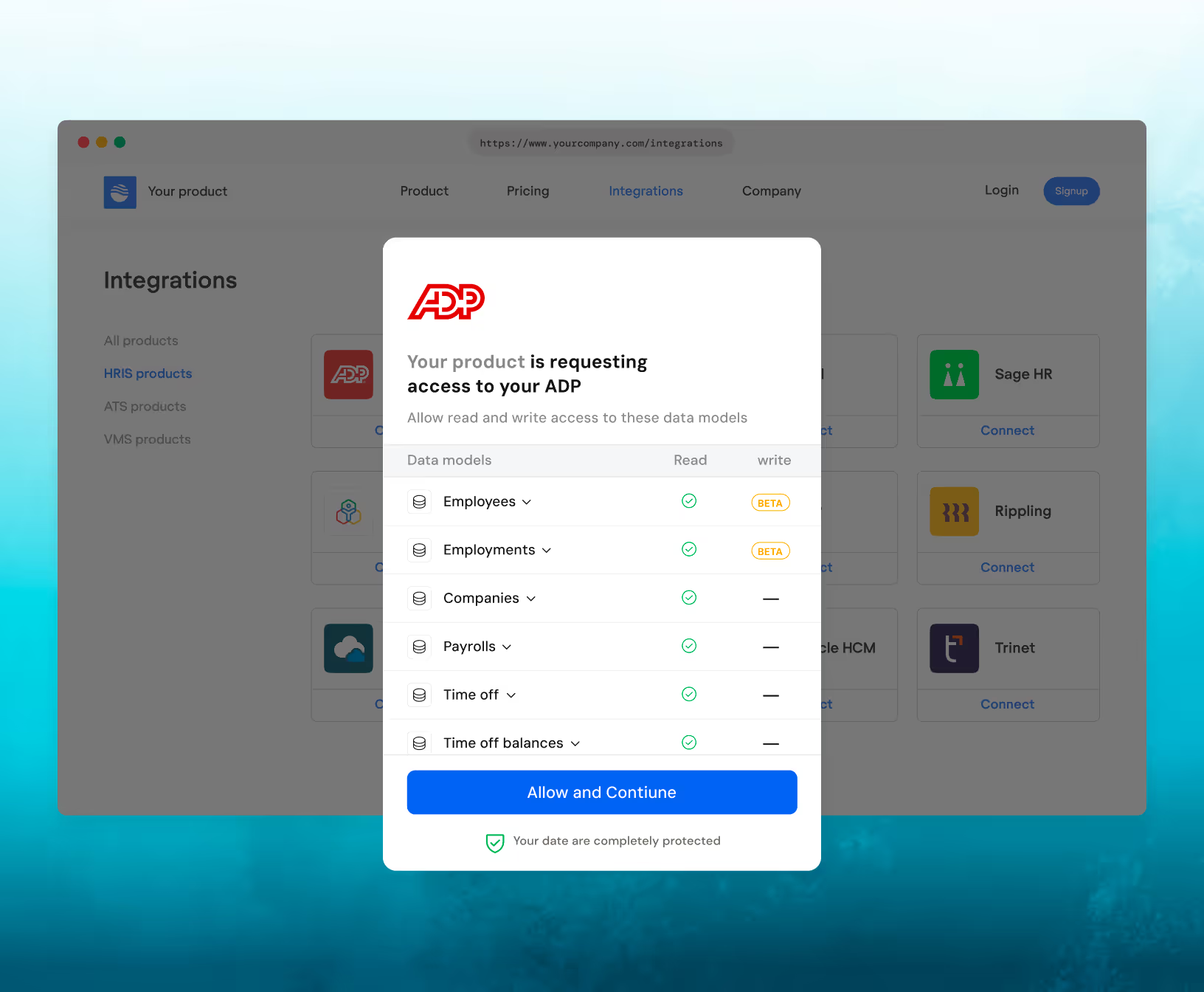
Customers authenticate effortlessly via Magic Link, with an embeddable SDK that enables seamless, in-app connections.
Most customers complete setup in under 10 minutes. Your end-user authenticates via Magic Link, and initial data sync begins immediately.
Yes. Enable include_custom_fields=true in your API requests. Custom fields appear in the custom_fields object with their original HiBob field names.
After initial sync, Bindbee runs incremental syncs automatically. Frequency depends on your plan. You can also trigger manual syncs via the API or dashboard.
Yes. The manager field on Employee objects contains the manager's Bindbee ID. You can expand this relationship to get full manager details. Department information is also available.
Yes. Use employment_status=INACTIVE or check the termination_date field. Historical employee data remains accessible through the API.
Write-back support varies by integration. Contact Bindbee for current HiBob write capabilities including employee creation and field updates.
Bindbee caches synced data, so your API calls continue working. We retry failed syncs automatically and notify you of persistent issues via webhooks.
Yes. Configure webhooks to receive notifications when connector syncs complete, employee data changes, or sync errors occur. See our webhooks documentation.
If HiBob provides avatar URLs, they appear in the avatar field. Availability depends on HiBob's configuration and employee profile settings.
Yes. Bindbee is SOC 2 Type II certified, HIPAA compliant, and GDPR ready. Data is encrypted in transit and at rest. We never store customer credentials on your servers.